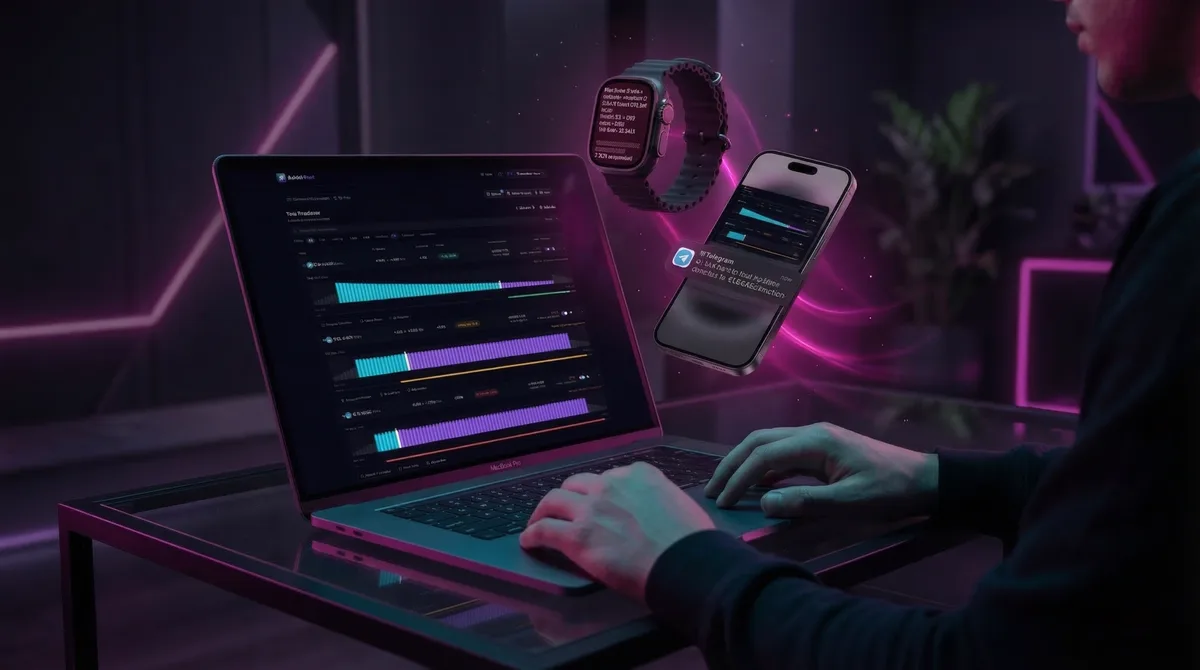
DLMM Alert: the alert system Meteora LPs deserve.
DLMM Alert watches your Meteora DLMM positions and pings you on Telegram when something needs attention. Free, read-only, built for LPs.
A new tool is born. DLMM Alert is live.
What is DLMM Alert? It is not another token dashboard. Not another wallet finder. Not a terminal. It is something that was never there before, an alert assistant that helps you with real-time alerts and security updates for your @MeteoraAG DLMM positions.
The problem every LP knows
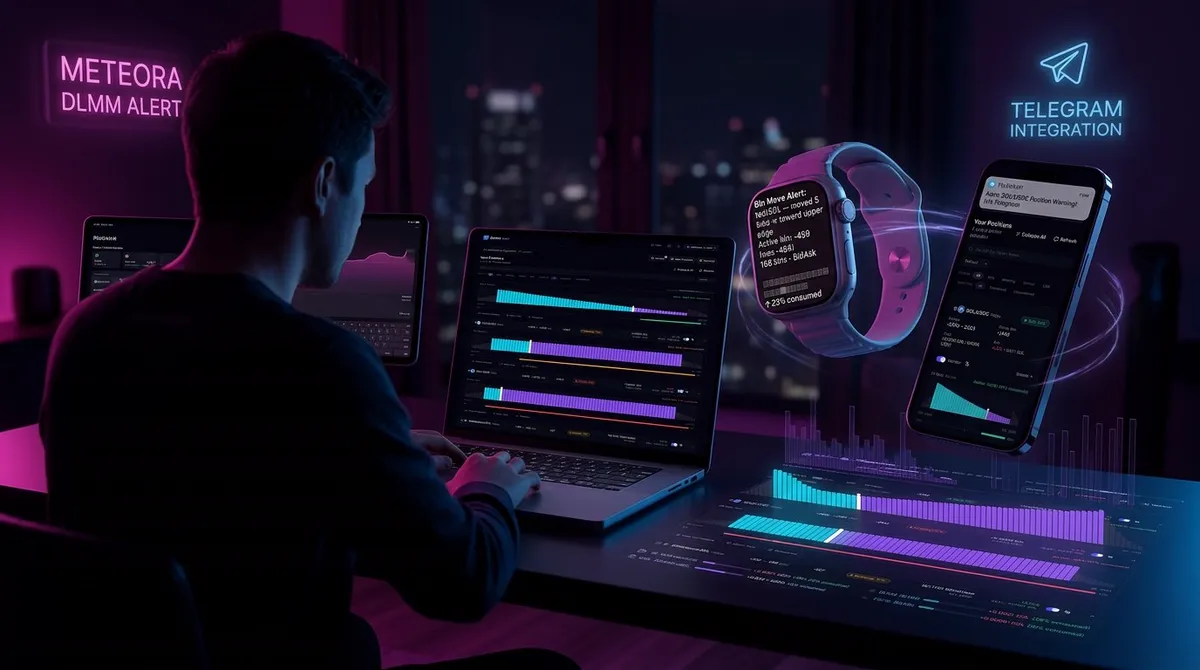
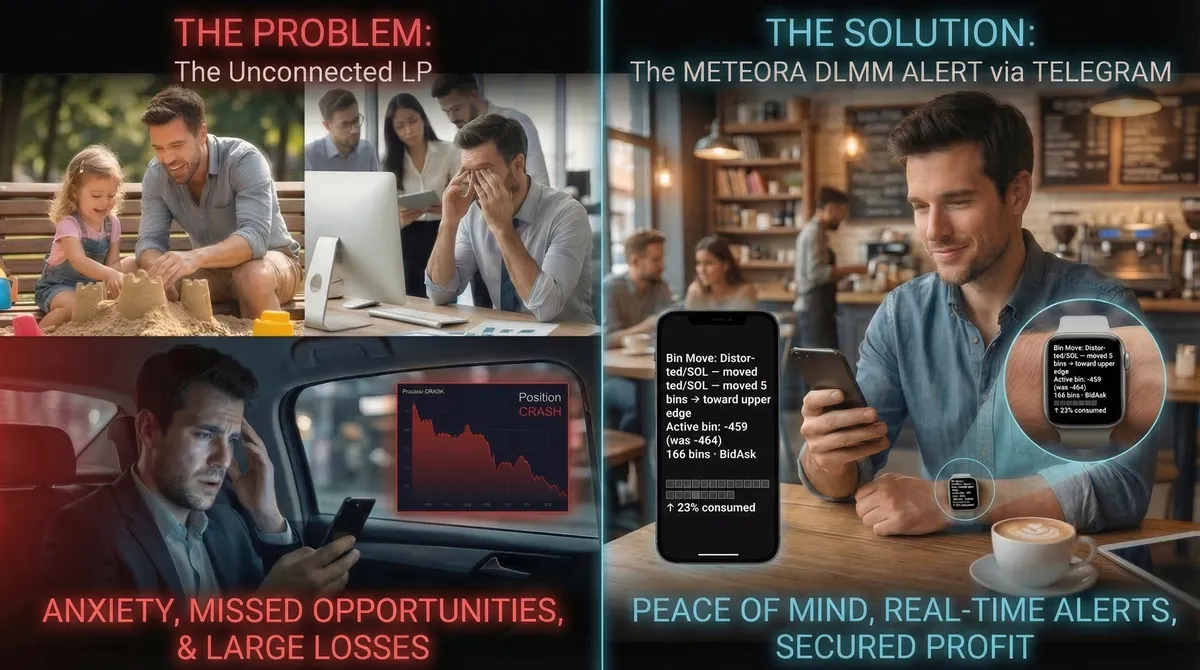
The biggest problem for LPs is that they have no idea how their position is doing when they are NOT connected to the app. You're busy, either going somewhere, in a meeting, or playing with your kids. You go about your life, but you can't stop thinking about your position and how you feel about it. Sometimes you just forget you had one, and when you finally check it, things might be very bad. You think to yourself, "If I had been sitting in front of the screen, I would have caught the perfect moment to leave".
I was making this app just for these people, including myself. It should be a way to get alerts about your positions. Connected to Telegram, flexible, proactive and configurable.
I can now do everything I need to do without closing all my positions and worrying about having them open when I need to be on the go.
How it works
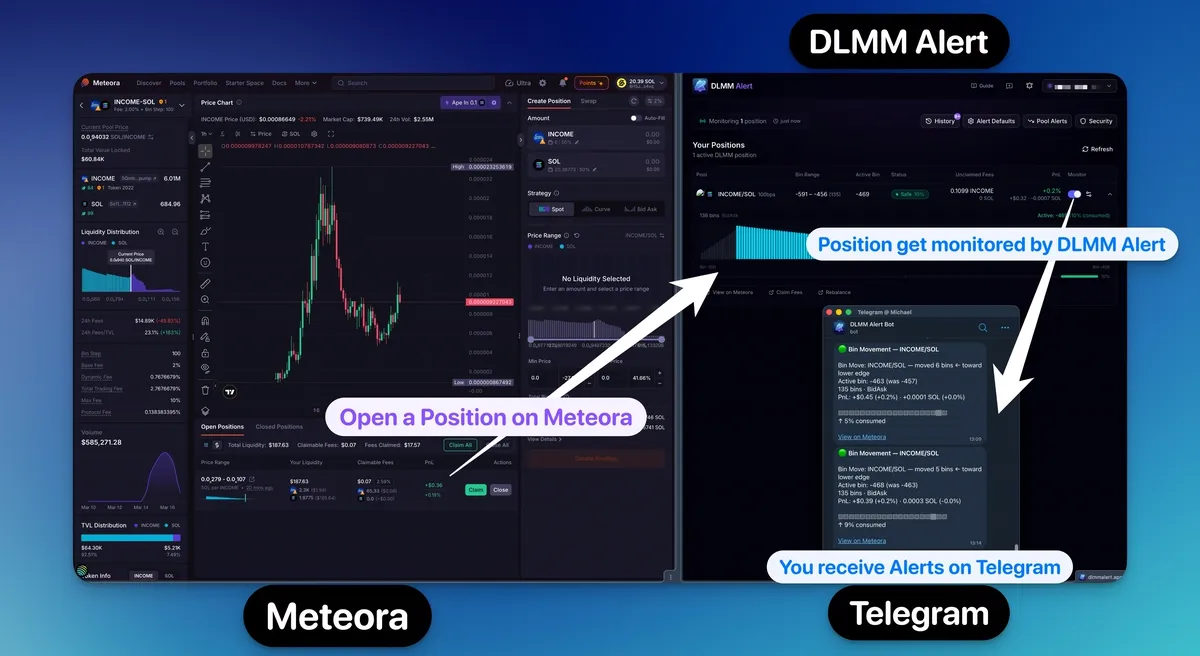
- You connect your wallet (via Wallet Connect or Google sign-in with a manual wallet address) to DLMM Alert and DLMM Alert automatically detects all your active DLMM positions.
- Your positions are monitored in the background, you do not need to keep the app open. Configure alert rules per position and per pool: out of range, back in range, early warning, TP/SL, and more. When you close a position on Meteora, it auto-cleans from the dashboard.
- Alerts are delivered through Telegram via @DLMMAlertBot. And because they come through Telegram, they also land on your smartphone and/or smartwatch. More on that later.
That's it. With Google sign-in, no wallet connection is needed at all.
Notice: at the moment you can monitor only one address with your account.
8 position alert types, built because I needed them
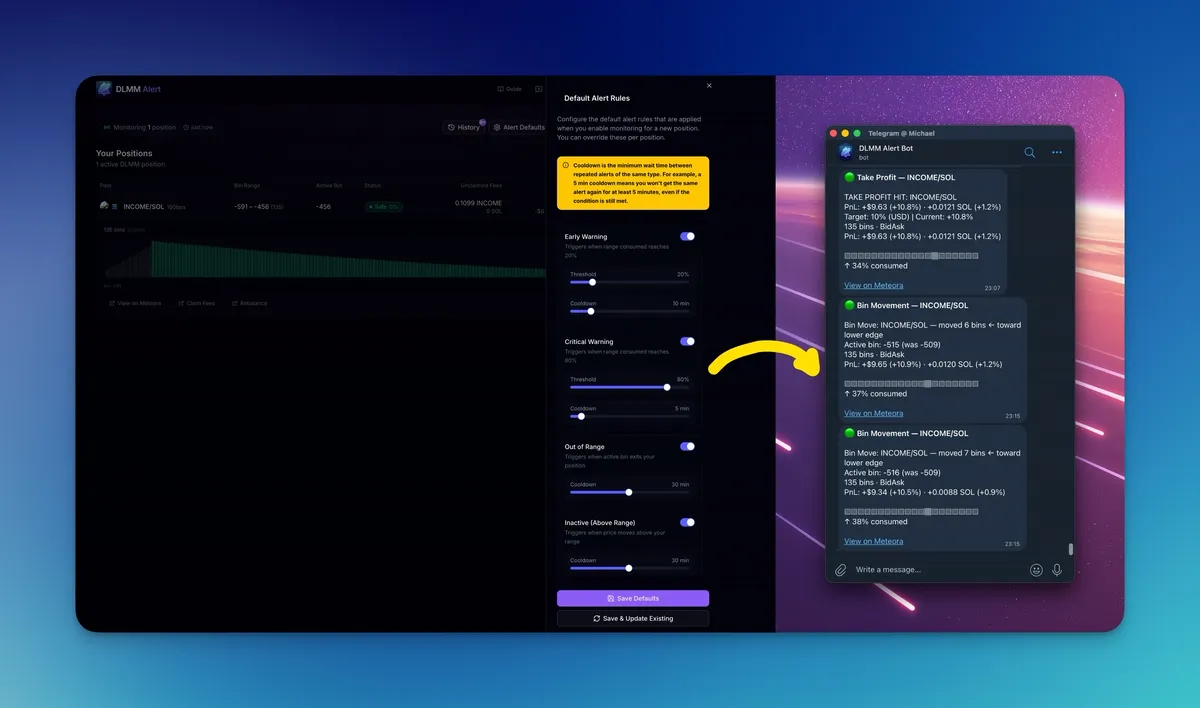
3 Out of Range triggers: fires when the active bin moves outside your position range, on the lower or upper side. The most fundamental alert, you need to know when your liquidity is no longer earning fees.
Back in Range: activates when an out-of-range position returns to range. Sometimes the price comes back and you want to know.
Early Warning: fires at a configurable percentage of your range consumed. Set it to 20%, 50%, whatever feels right. Get the heads-up before it is too late.
Critical Warning: a higher threshold alert near your range boundary. The "pay attention now" signal.
Bin Movement: notifies you on configurable bin movement increments. Track how actively the price is moving within or around your range.
TP/SL (Take Profit / Stop Loss): set alerts at a specific PnL level.
Pump Alert: rapid price increase beyond your configured threshold. Catch the momentum.
Dump Alert: rapid price drop exceeding your threshold. React before it gets worse.
Every alert type is configurable per position. You can set global defaults and apply them to all positions at once, or fine-tune each one individually. Each alert type has its own cooldown setting so you are not spammed.
Pool health monitoring
But alerts for price and bin movement are not everything. Your pool itself can degrade, and you should know about it.
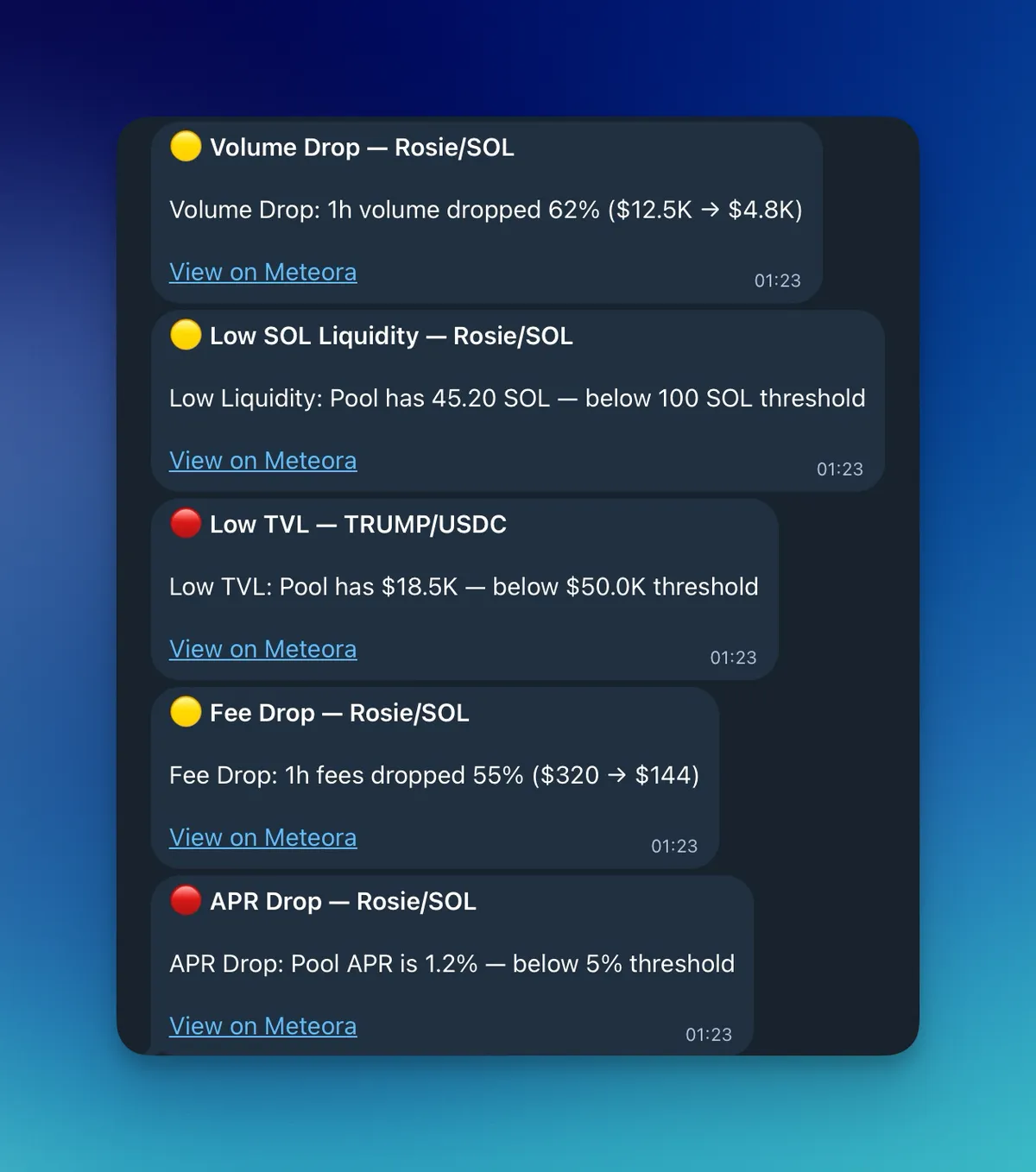
Pool Health Monitoring checks every 5 minutes (opt-in) and alerts you on:
Volume Drop (default: 50% threshold): sudden drop in trading volume.
Low SOL Liquidity (default: 100 SOL): the pool is running thin.
SOL Liquidity Drop (default: 30%): liquidity is leaving.
Low TVL (default: $50,000): total value locked is critically low.
Fee Drop (default: 50%): your fee income is tanking.
APR Drop (default: 5%): the yield is collapsing.
All thresholds are configurable. Set them to what matters for your strategy.
Security: RugCheck and Migrate.fun integration
Let's be honest. Sometimes we all skip @Rugcheckxyz for a token. You see the APR, you ape in, and then hours later you find out the token was flagged.
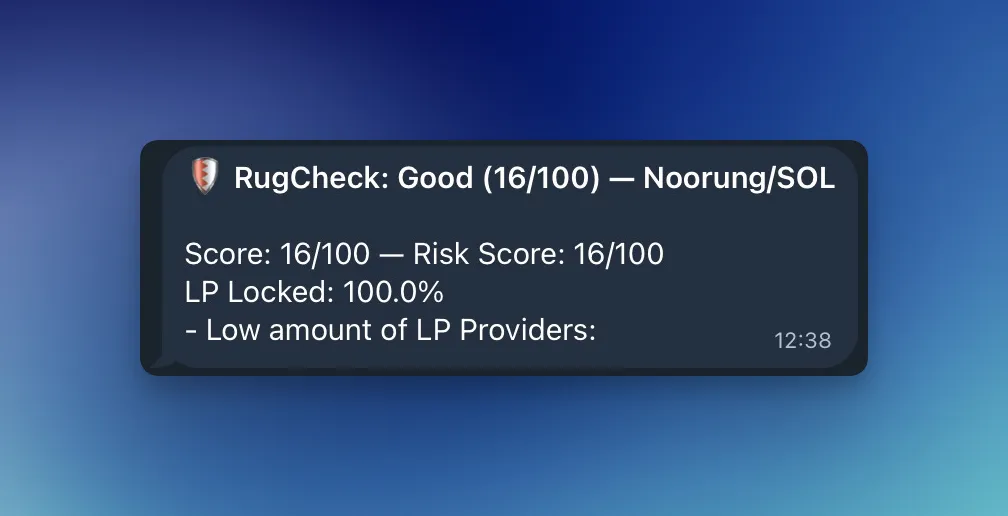
DLMM Alert runs automatic RugCheck scores and blacklist verification on every token connected to your positions. If something is flagged as dangerous, you get an alert immediately. You can turn it on for all tokens or just specific ones.
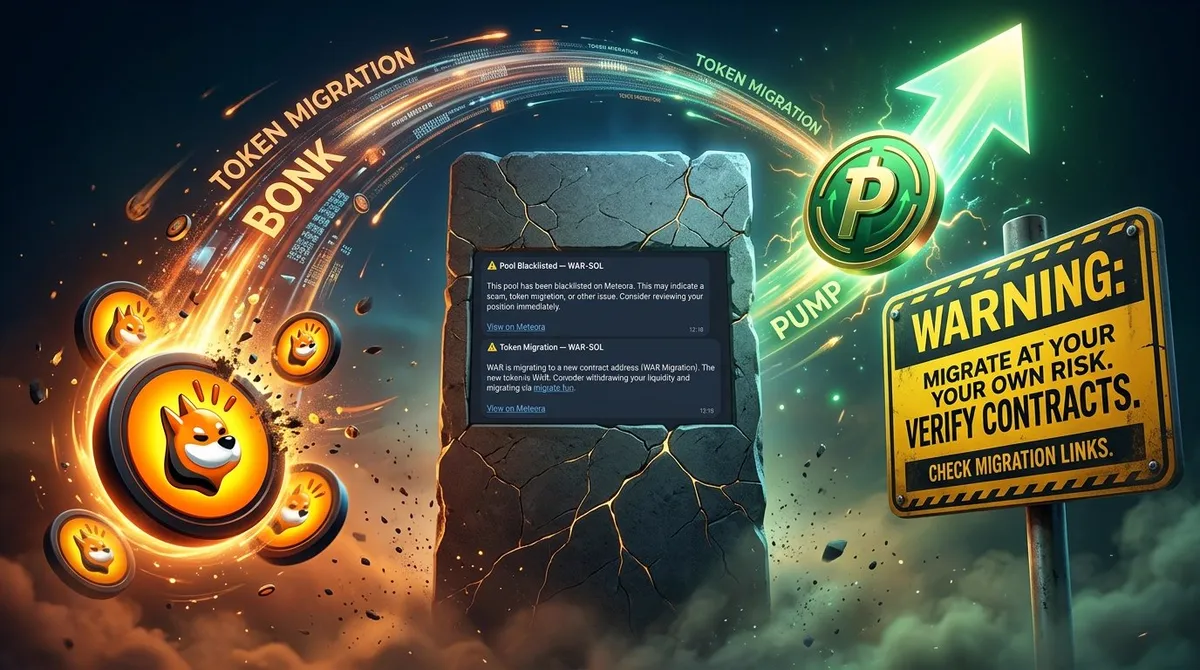
We also check @MigrateFun for token migrations.
The app itself is read-only. It never asks you to sign transactions. It never has access to move your funds. Security is not a feature, it is the foundation.
Telegram bot commands
Beyond receiving alerts, the Telegram bot lets you actively check your positions.
 MichaelZogot@MichaelZogot
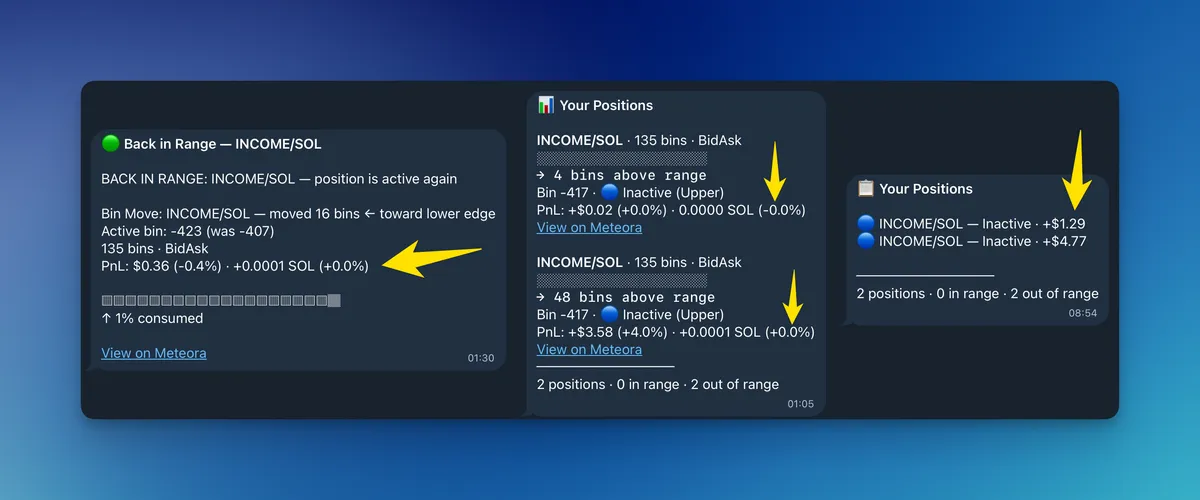
Write /status in the Telegram bot and you get a detailed position overview with bin maps. Full picture at a glance.
Write /list in the Telegram bot for a lightweight summary of all your positions. Quick check when you just want to know everything is okay.
The Apple Watch moment
This was honestly something I did not plan for, and it became one of the best parts of the app.
Because alerts go through Telegram, they automatically land on your Apple Watch (or any smartwatch with Telegram). I started posting screenshots of alerts on my Apple Watch, and the community went wild. Some people in the community actually went out and bought an Apple Watch just to use it with DLMM Alert. That is wild, and I love it.
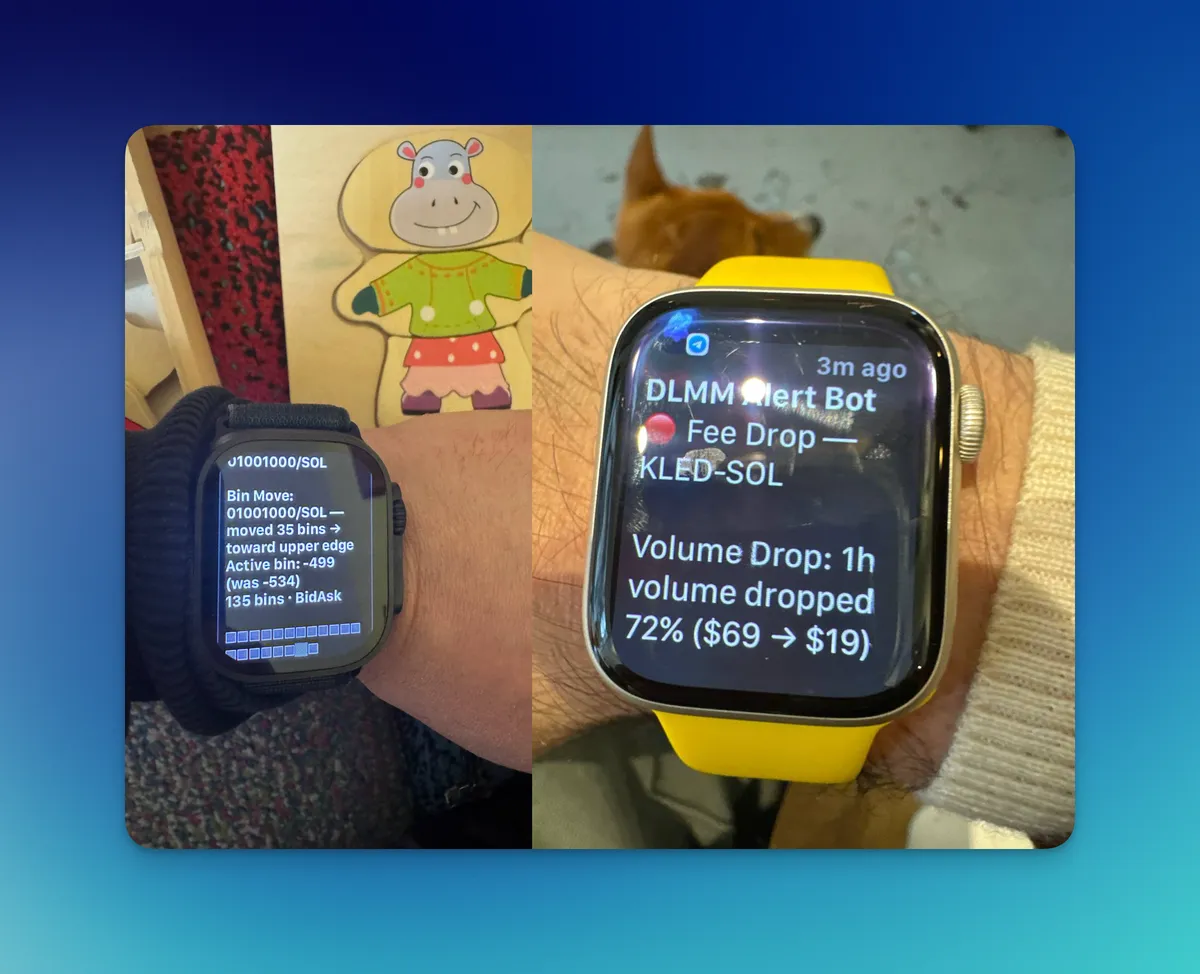
Picture this: you are at the gym, mid-set. You take a quick glance at your wrist, "Position X: Early Warning 70%". You finish your set, and you know exactly what is happening with your position, and you can take action or just enjoy the training.
No phone. No laptop. No anxiety. Just a quick look and you are back to your life. This is what DeFi should feel like.
Install it like an app
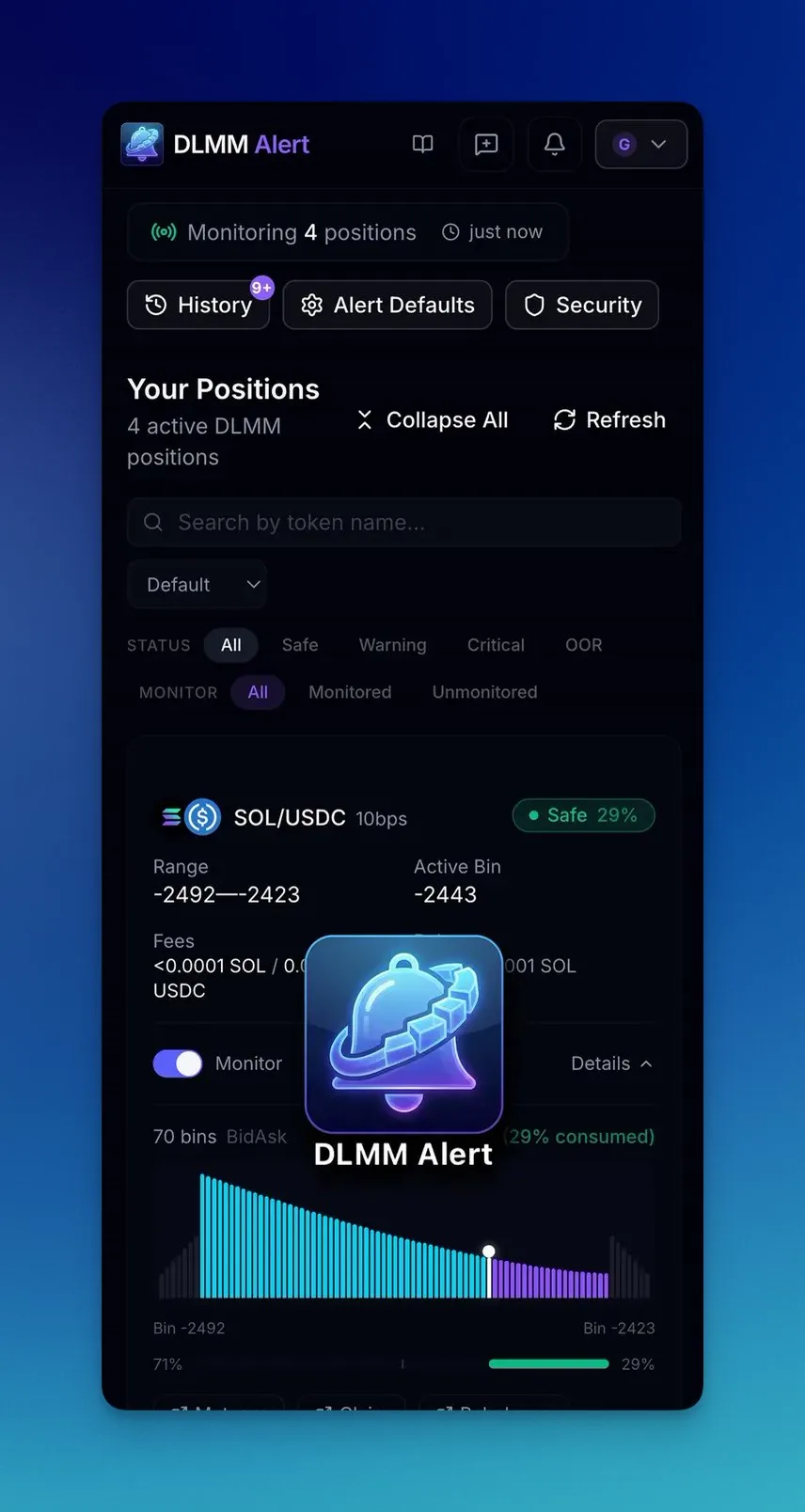
DLMM Alert works as a Progressive Web App (PWA). That means you can install it directly to your home screen. This is perfect when you work from your smartphone or you are on the go.
iOS: open in Safari → Share → "Add to Home Screen"
Android: open in Chrome → Menu → "Install app"
Desktop: Chrome or Edge → install icon in the address bar
No app store. No downloads. Just a web app that feels native.
What DLMM Alert is and what it is not
DLMM Alert is not trying to be everything. It is not a trading terminal. It is not a portfolio tracker. It is not trying to replace Meteora's UI.
It is a focused tool that does one thing well: it watches your DLMM positions so you do not have to, and it tells you when something needs your attention.
This is v0.8.6. It is not done. But it is real, it works, and it is free to use.
If you LP on Meteora DLMM, give it a try. And tell me what is missing. I am building this for us, the @met_lparmy.
Try it now for free: dlmmalert.app
Set-up guide: dlmmalert.app/guide